Seven layers of intelligence,
from data to decisions.
BigBoard turns every reading from your servers, network and power into a decision — from what you have, to what breaks together, to what it costs and what to change. Live in two minutes. No help needed.
BigBoard is in an invite-only beta. Have an invitation? Sign in and you'll be looking at your own machines in under two minutes. No invitation? Request one →
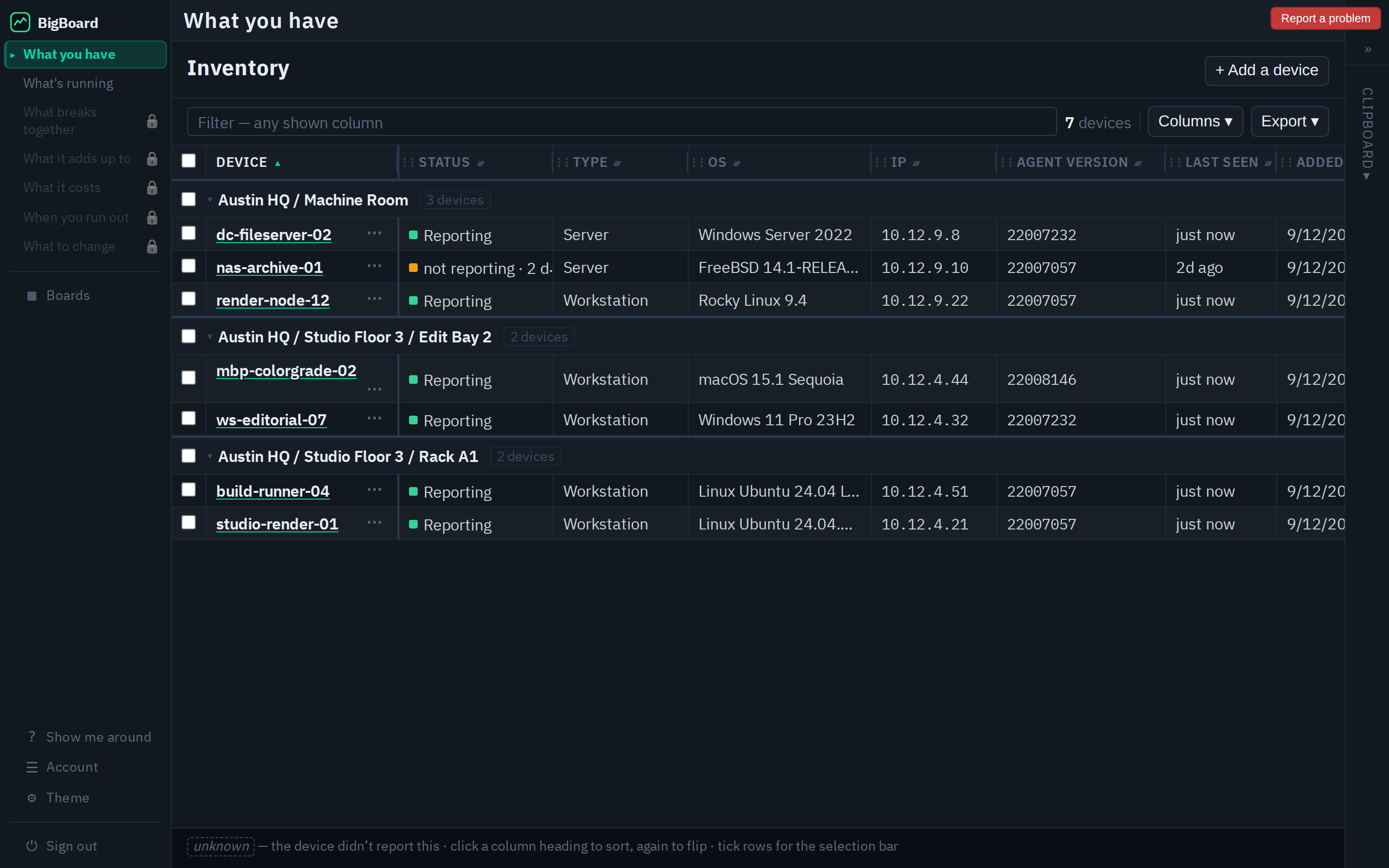
Monitoring tells you it's down. It rarely tells you why, what it costs, or what to do next.
Infrastructure teams run a different tool for every layer, and even then the dashboards only show status. Why something happened, what it costs, and what to buy next live in spreadsheets, runbooks and chat threads — answered late, by whoever is awake.
Status lights and tab-hopping
- A wall of dashboards that says up or down — and little else
- Root cause lives in someone's head, or last quarter's incident doc
- Capacity and cost questions wait for a manual export
- The data to answer all of it already exists — it's just not in one place
One foundation. Seven reads off it.
- Knows what you have and what's running, read from the equipment itself
- Knows how power and network physically connect — so what breaks together is a read, not a guess
- Totals, costs and run-out dates come from the same readings — no export, no spreadsheet
- Starts in two minutes, with nothing to configure
Each layer answers the next question up the org chart.
Every layer is built on the one below it, and each is read by a more senior person than the last — from the technician on the floor to the executive who signs for the racks. It is the stack of reports a team of analysts used to produce by hand, produced automatically.
- 0What you haveEvery machine, what it is, what is in it, and when it arrived — inventory that writes itself from the hardware.Technician · inventory & capital costLive now
- 1What's runningLive and historical readings from everything: servers, switches, power and environmental gear. Every reading kept.Engineer on the floorLive now
- 2What breaks togetherOne root cause, and what goes dark if a circuit drops — because BigBoard knows how power and network physically connect.Operations leadArriving
- 3What it adds up toTotals per cabinet, cage, site or store, from the same readings.Facility / department managerArriving
- 4What it costsWhat each customer, team or cage costs to run, priced from real readings — a figure for an invoice or a budget.CFOArriving
- 5When you run outThe month a scope hits its contracted limit — and a sales lead for anyone who resells capacity.Capacity planning · salesArriving
- 6What to changeSpecific, priced ways to cut waste.Executive · ownerArriving
From invitation to live data in under two minutes.
No password, no keys, no configuration, no one to call. The whole path was measured, step by step, and cut until nothing was left to remove.
No password to set
Google, Microsoft, Apple, or a six-digit code emailed to you.
One small installer
A native binary for FreeBSD, Linux, macOS or Windows. A few hundred KB, no runtime.
Type the code
The installer shows a six-character code like 7F3K2Q. Type it in the app, click approve. No keys, no config file.
Watch it fill in
Your inventory writes itself and live readings start streaming. Every reading is kept.
It works the same for a laptop, an office, a rack in a colo, or a datacenter floor — and every equipment type that connects with the same six characters makes it simpler, not harder.
One agent. The whole rack.
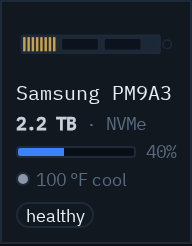
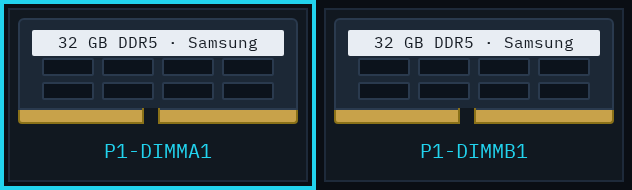
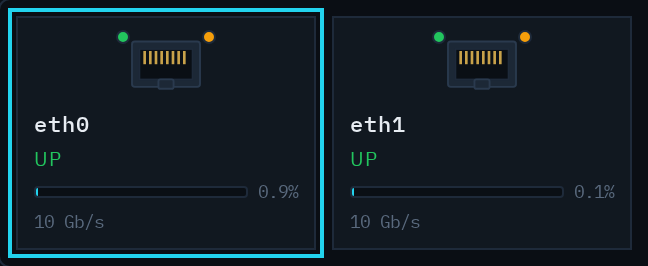
BigBoard sees what's actually in your critical infrastructure — not just the servers. A single native agent and a set of protocol pollers cover compute, network, power and industrial gear.
Servers
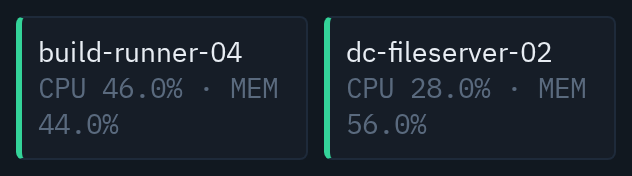
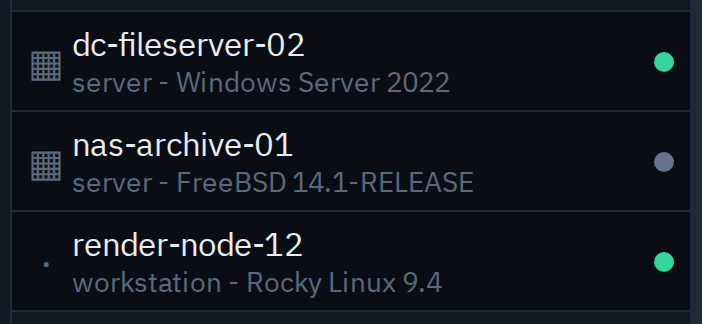
FreeBSD · Linux · macOS · Windows — CPU, memory, disk, ZFS, network
Network
Switches, routers, firewalls via SNMP v2c / v3
Power
UPS battery & load · Raritan PDU inlets, outlets, sensors
Industrial
Any Modbus TCP device, mapped from a register file
Streaming telemetry
gNMI / OpenConfig from Juniper, Cisco, Nokia, Arista & more
Reachability
ICMP ping checks for anything with an address
Logs
Passive syslog ingestion, tracked as metrics
Beyond the rack
External feeds too — e.g. live energy-market pricing

One laptop or a whole datacenter. The same product.
BigBoard runs the same for a home lab, an office of desktops and servers, a rack or cage in a colo, or a datacenter floor. Where it pays off most is metered power: datacenter operators, and anyone who resells capacity, see all seven layers land at once.
A home lab
One machine free, up to five for $5 a month. What you have and what's running, every reading kept.
An office
Desktops, servers and the switch in the closet, on one board, with unlimited people looking at it.
A rack or cage in a colo
Power and network by circuit and port, what breaks together, what it costs — and the option to hand your own tenants their board.
A datacenter operator
Metered power is your P&L. Cost per customer, run-out dates per cage, and a sales lead when a tenant is about to need more. Talk to us →
Plans that climb with the layers.
One subscription per BigBoard, unlimited people on every Pro plan. Free and Personal are the on-ramp; the Pro ladder unlocks more of the stack; Enterprise is a conversation.
- 1 device
- Layers 0–1: what you have, what's running
- Every reading kept
- Up to 5 devices
- Layers 0–1
- Every reading kept
- 100 devices · unlimited people
- Layers 0–1
- 15,000 monitored components
- 100 devices · unlimited people
- Adds layers 2–4: what breaks together, what it adds up to, what it costs
- 50,000 monitored components
- 100 devices · unlimited people
- Adds layers 5–6: when you run out, what to change
- 150,000 monitored components
- Unlimited devices · 150,000+ components
- All layers · contract terms · service commitments
- 1-year+ log retention · talk to us →
Others watch servers. BigBoard knows the rack.
Observability suites
They watch servers and bill per server, and they need a sales engineer and an install project to get going. We know which circuit feeds which rack — so we can say what broke first and what fails next — a stranger is on live data from their own gear in two minutes, every reading is kept for as long as they're a customer, and there is a managed on-premises option.
Data-center management
They hold a rack diagram drawn by hand that goes stale, sold as an implementation project and priced per rack or per asset. We hold the live map from recorded connections and real readings, a customer is live in two minutes, and a hundred-device cage is $99–299 a month with unlimited people.
Status dashboards
Red and green tell you it's down. BigBoard tells you what you have, what broke first, what it costs and what to change — from the same readings — and one agent covers power and industrial gear, not just servers.
MSP tooling
Per-customer instance isolation by design, one native agent, and an API to wire into the PSA and RMM tools you already run — so onboarding a customer doesn't mean inheriting their risk.
Many customers, never mixed up.
Managed service providers, colo tenants who resell, and multi-site operators get isolation by design, not bolted on after the fact — so onboarding a customer doesn't mean inheriting their risk.
- Per-customer isolation Separate instance, data, configuration and access for every customer.
- Role-based access Grant each team or client visibility to exactly their own infrastructure.
- White-labelable boards Hand a customer a dashboard that looks like yours.
- API for your tools Wire inventory and readings into the systems you already run.
Seven layers. Two minutes. No help needed.
BigBoard is live today. Have an invitation? Sign in and you're on your own live data in under two minutes. Don't have one? Tell us what you run and we'll send you one.
Curious what's underneath? See the M9000 platform →